
AUTHORIZATION
Blog

How to reduce IT downtime without business losses
On Monday morning, access to the customer system is not working, the warehouse cannot process orders, and the finance team cannot access invoices. In such a situation, the question of how to reduce IT downtime is no longer just a technical task. It is a question of revenue, reputation, employee productivity, and the company’s ability to fulfill promises to customers.
IT downtime does not always mean a complete server or internet outage. It can be a slow business system, an unavailable cloud service, a blocked user account, a faulty network component, or a failed software update. An effective approach is not based on one tool or a larger IT budget. It starts with clear priorities, transparent responsibilities, and a regularly tested continuity plan.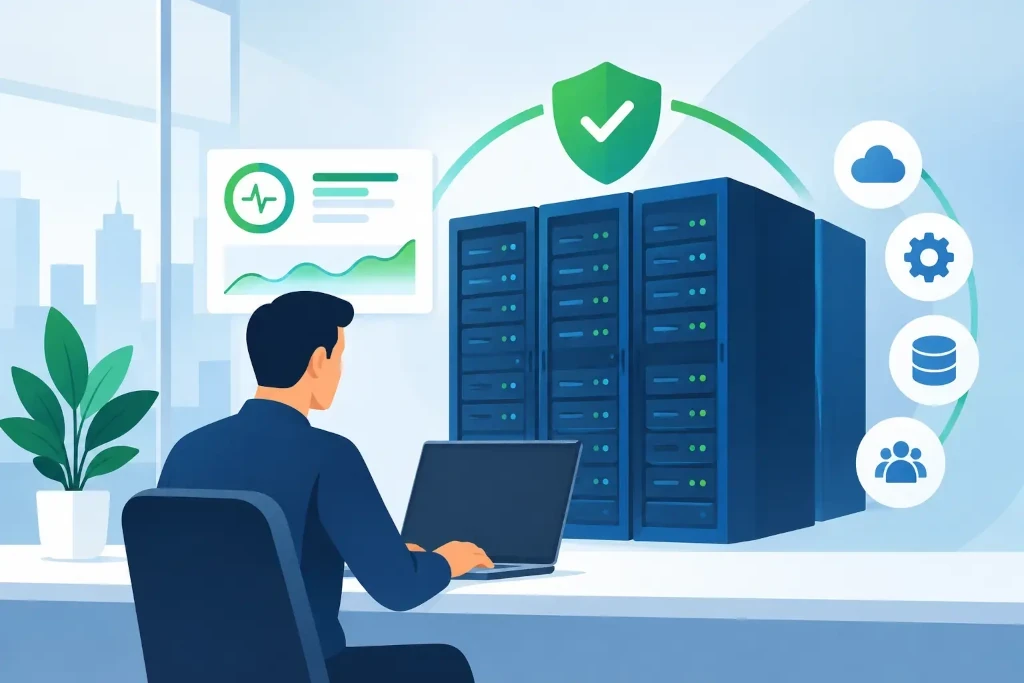
The cost of IT downtime must be assessed in business terms
The cost of downtime is not only the IT specialist’s working hours or the price of new equipment. You must take into account unprocessed orders, delayed payments, staff standing idle, loss of customer trust, and possible contractual penalties. For a company with a small team, even a two-hour interruption can create a significant operational burden because there are no people who can simultaneously maintain a manual workflow.
That is why the first step is to define which systems are critical and how long the company can manage without each of them. Email is usually important, but for a manufacturing company the warehouse management system may be more critical. For a professional services company, the biggest risk may be loss of access to client documents. Priorities cannot be determined by the IT department alone - they must be approved by management and process owners.
Set recovery objectives
Two practical metrics must be defined for each important service. The recovery time objective determines how quickly the system must be back in operation after an incident. The acceptable data loss amount, in turn, determines how old the data in the recovery point may be.
For example, a customer order system may require service restoration within one hour and data loss of no more than 15 minutes. An archive file storage system may allow a longer recovery time. This distinction is important because providing the same level of protection for all systems is expensive and not always justified.
How to reduce IT downtime with proactive monitoring
Many failures begin as small signals: disk load increases, internet connection quality drops, the server’s backup power unit loses capacity, or a backup ends with an error. If the company only learns about the problem when an employee cannot log in to the system, the response is already late.
Proactive monitoring makes it possible to notice deviations before they turn into an incident. It should cover not only servers but also network equipment, internet connections, cloud service availability, backup status, security events, and the operation of critical applications. The important thing is not to collect as many alerts as possible, but to determine which ones require immediate action and where they are escalated.
Monitoring is especially valuable for companies without a large internal IT team. It ensures that the state of the infrastructure is not checked only after user complaints or regular visits. At the same time, the monitoring system itself does not solve problems - there must be someone responsible who responds to the notification, analyzes the cause, and eliminates the risk of recurrence.
Backups are not a recovery plan
A backup is the foundation, but it does not guarantee a quick return to work. If backups have not been tested, it is not clear whether they contain the necessary data, whether the recovery will work, or how long it will take. In ransomware incidents, the risk is even greater - attackers may try to encrypt or delete the available backups as well.
A practical approach includes several layers of protection: regular backups, a separate storage environment, access control, and a tested recovery procedure. Critical systems may also require an immutable copy that cannot be modified or deleted for a certain period of time. Such a solution increases costs, but reduces the chance that both working and backup data versions are lost during a cyber incident.
A recovery test is one of the most valuable continuity control measures. It can be a simple file restore test or a full critical system recovery scenario in an isolated environment. During testing, incomplete instructions, missing access rights, inadequate licenses, or overly optimistic assumptions about recovery time are often uncovered.
Reduce risk during changes
Planned changes are a common cause of downtime. A new firewall, a Microsoft 365 configuration change, an ERP update, or a server migration can improve the environment, but only if changes are managed with discipline. Rushing and incomplete documentation usually cost more than careful preparation.
Before major changes, the impact on related systems must be assessed, a rollback plan must be created, and responsible persons must be defined. Changes that affect customer work should be planned outside the busiest working hours, but even that is not a universal solution. A company with international clients or a continuous production process may not have a completely safe time window. Therefore, the ability to quickly return to the previous working configuration is crucial.
Regular infrastructure documentation is a practical necessity here, not bureaucracy. An up-to-date network diagram, system list, access responsibilities, and license overview speed up incident resolution. If critical information exists only in one employee’s knowledge, the company is vulnerable even when the technology works flawlessly.
Create an incident management process
During downtime, the team should not improvise about whom to call and whom to inform. The incident management process defines who makes decisions, who coordinates technical work, how users are informed, and when external vendors must be involved. The greater the uncertainty in communication, the longer the actual downtime may last.
The process should be simple enough to use in a stressful situation. It should include contact persons, critical system priorities, escalation levels, and communication templates for employees or customers. There is no need to turn every incident into a full-scale crisis, but timely and honest information reduces speculation and helps business teams adjust their work.
After an incident, a short, structured analysis should be carried out. The goal is not to find someone to blame, but to understand the cause, assess the quality of the response, and identify a specific improvement. If the same user regularly has access problems, if backup errors recur, or if a network device periodically reboots, that is a management issue, not separate unrelated cases.
Bring in appropriate expertise and management oversight
For small and medium-sized organizations, it is not always economically justified to maintain a full-scale internal IT team with expertise in infrastructure, cybersecurity, cloud services, and continuity. But the risk does not disappear if these skills are not available in the company. In such a situation, managed IT support and external IT management expertise can provide both day-to-day monitoring and a strategic view of risks and investments.
KSK IT’s approach in such projects is based on assessing the environment, aligning priorities with management, and creating a measurable improvement plan. This may include a backup audit, a disaster recovery scenario, network modernization, or clarifying responsibilities among multiple vendors. The decisive factor is that the IT partner understands not only the technical configuration, but also where downtime creates the greatest business impact.
Management should receive a short, understandable report regularly: which incidents occurred, how long they lasted, what risks were identified, and what decisions are needed. Such transparency helps make informed investment decisions without waiting for the next serious failure.
The best time to test a company’s readiness is not after an incident, but before one. Choose one critical system, discuss its failure scenario with the process owner, and check whether the answers to the key questions are documented and practically implementable. This small step often becomes the start of a significantly safer and more predictable IT environment.
